


Robotic Process Automation
The case study aims to explore the relationship between Robotic Process Automation (RPA) and Business Process Modeling Notation (BPMN). The project redefines efficiency in data extraction for the FUTR.tv platform, demonstrating the transformative impact of integrating RPA and BPMN methodologies.
Tools used

UI Path

Python

Selenium Bots
Project Goals
The primary goal of our project was to expedite and automate the data extraction and processing capabilities for the FUTR.tv platform by implementing a powerful RPA automation bot. This bot, developed using UI Path, Python, Selenium, and Apify, aimed to dynamically interact with company URLs sourced from an input source, extract relevant data from the platform, and systematically update the original output population.
Relationship Between RPA and BPMN
Understanding RPA and BPMN
RPA, or Robotic Process Automation, is a transformative technology designed to emulate human actions over a software user interface. Its strengths lie in eliminating human weaknesses such as reduced operative capacity and high error risks. RPA becomes particularly invaluable in scenarios where API resources are unavailable, as commonly seen in legacy software.
BPMN, short for Business Process Modeling Notation, is a standardized process diagram developed by the OMG group. It provides a clear and standardized method for modeling process flows, making it accessible to various stakeholders, including developers, customers, CEOs, and business analysts.
Why Combine RPA with BPMN?
Identification of Automation Candidates:
BPMN process documentation helps identify strong candidates for automation, streamlining the selection of process steps ideal for automation.
Integration with BPMS:
Utilizing Business Process Management Software (BPMS) alongside RPA technologies allows for the direct automation of repetitive and standard tasks within the business flow design.
Enhanced Process Understanding:
BPMN's graphical representation enhances the understanding of the process for all stakeholders, making it easier to showcase areas where automation can significantly improve business processes.
Quick Identification of Alternatives:
Automation design with BPMN facilitates the rapid identification of alternative paths and efficient handling of potential errors.
Inclusion of Additional Needs:
BPMN aids in identifying and incorporating additional requirements, such as process notifications and log generation, into the automation.

Deployment Strategy
Understanding RPA and BPMN
The deployment of our RPA automation bot began with the preparation and planning phase. We conducted a comprehensive analysis of the existing infrastructure, ensuring compatibility with UI Path, Python, Selenium, and the Apify platform. Stakeholder engagement was prioritized, garnering support from key decision-makers to facilitate a smooth deployment process.
Customization and Integration
Tailoring the RPA solution to the unique requirements of the LinkedIn-like platform was paramount. UI Path's flexibility allowed for the customization of workflows, ensuring seamless integration with the existing business processes.
Testing and Quality Assurance
A rigorous testing regimen was implemented to validate the robustness and accuracy of the RPA bot. Real-world scenarios, including variations in company profiles and data structures, were simulated to ensure the bot's adaptability. Continuous feedback loops were established to fine-tune the solution, guaranteeing optimal performance during deployment.
Adoption
Training and Onboarding
Training sessions were conducted, highlighting the functionalities, benefits, and best practices for leveraging the automated solution. User-friendly documentation was provided to facilitate a smooth onboarding experience.
Monitoring and Support
Post-deployment, a proactive monitoring system was implemented to track the bot's performance and identify any potential issues promptly. A dedicated support team was in place to address user queries and provide timely assistance. Regular feedback sessions were conducted to ensure ongoing optimization and user satisfaction.
Bot Flowcharts
Outcomes
Enhanced Operational Efficiency
Post-implementation, the RPA solution led to a substantial increase in operational efficiency. The automated extraction and updating of data in the output population significantly reduced manual efforts, allowing personnel to focus on more strategic tasks.
Error Reduction and Accuracy Improvement
The deployment of the RPA bot resulted in a marked reduction in errors associated with manual data entry. The automation process ensured consistent and accurate data extraction, contributing to improved data quality and reliability.
Time and Resource Savings
With the successful integration of RPA into critical business processes, time-consuming tasks were streamlined. The automated processes led to notable time and resource savings, allowing teams to allocate efforts to more value-added activities.
Key Learnings
01 Importance of Comprehensive Process Documentation
02 Continuous Monitoring and Feedback Loop
BPMN serves as a crucial tool in the initial phases of RPA projects, offering a graphical representation of current processes. It aids in identifying automation candidates, understanding process flows, and enhancing collaboration among stakeholders.
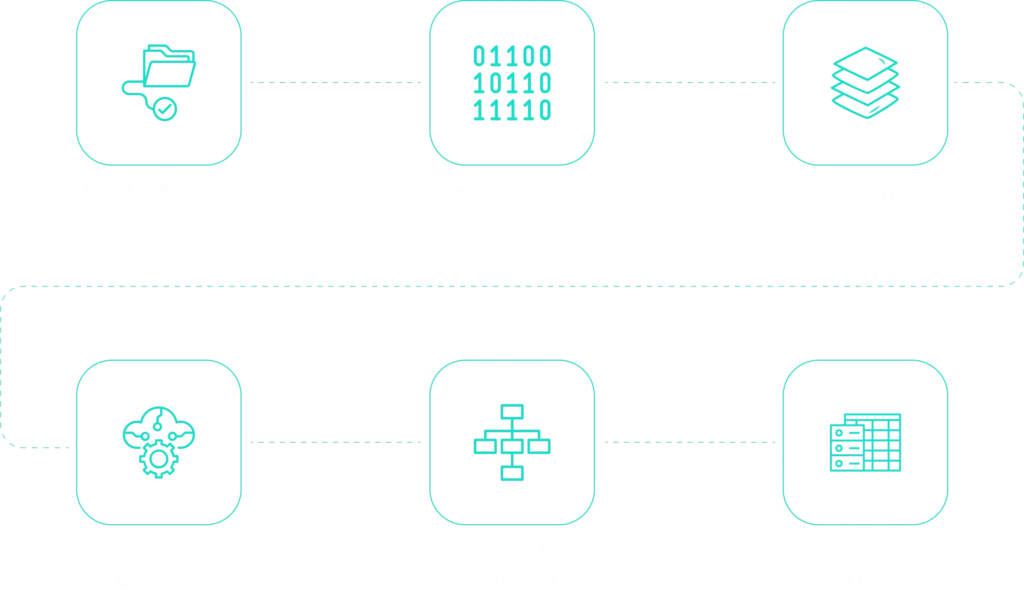
UI Path is a powerful RPA tool that provides an intuitive platform for designing, implementing, and deploying bots. It simplifies the creation of flowcharts, making it easier to visualize and execute the logic behind the bot’s actions.
Python and Selenium integration enhances the bot’s capabilities by enabling advanced data processing and dynamic interactions with web platforms. Python scripts complement UI Path’s functionality, providing additional flexibility and power to the bot.